
Description
The weapon’s ammo counter continues decreasing after reaching zero. The displayed ammunition drops from 8/40 to 0/40, then continues into negative values such as -3/40, -7/40, and -13/40 while the player is still able to fire.
The integration-free game testing tool built to supercharge game QA teams. Capture performance issues, review AI-generated bug drafts, and manage reports faster – while your testers stay in control of what gets validated and shipped.
Focus on high-impact testing, uncover critical issues sooner, and ship polished builds faster.
The weapon’s ammo counter continues decreasing after reaching zero. The displayed ammunition drops from 8/40 to 0/40, then continues into negative values such as -3/40, -7/40, and -13/40 while the player is still able to fire.
The weapon continues firing after the ammo counter reaches zero. The displayed ammo value continues decreasing into negative numbers.
The ammo counter should stop at 0/40. The weapon should no longer fire and should prompt the player to reload or switch weapons.
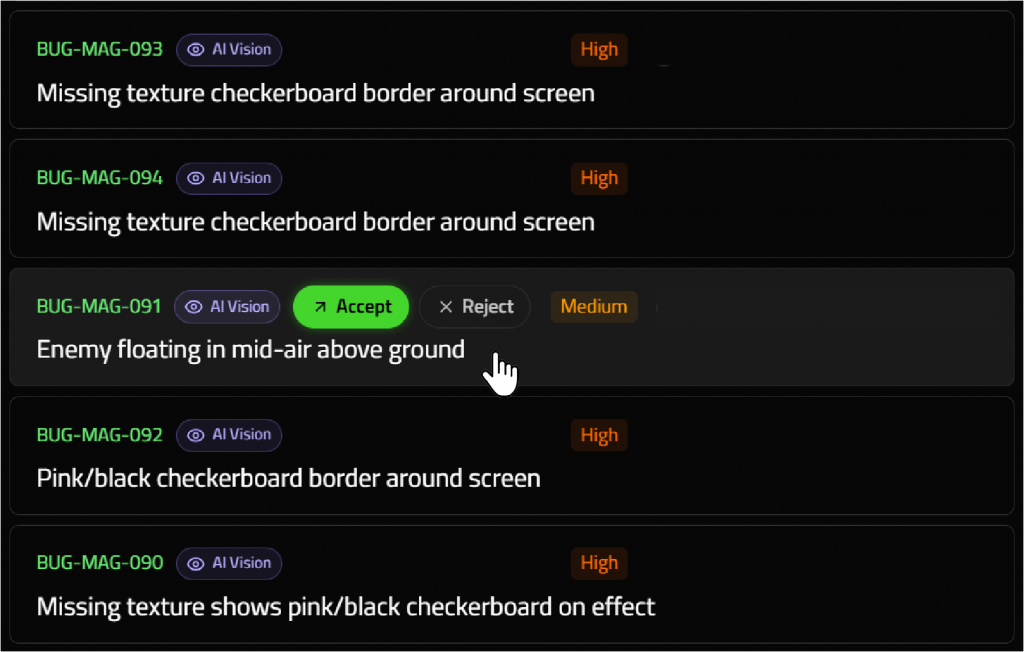
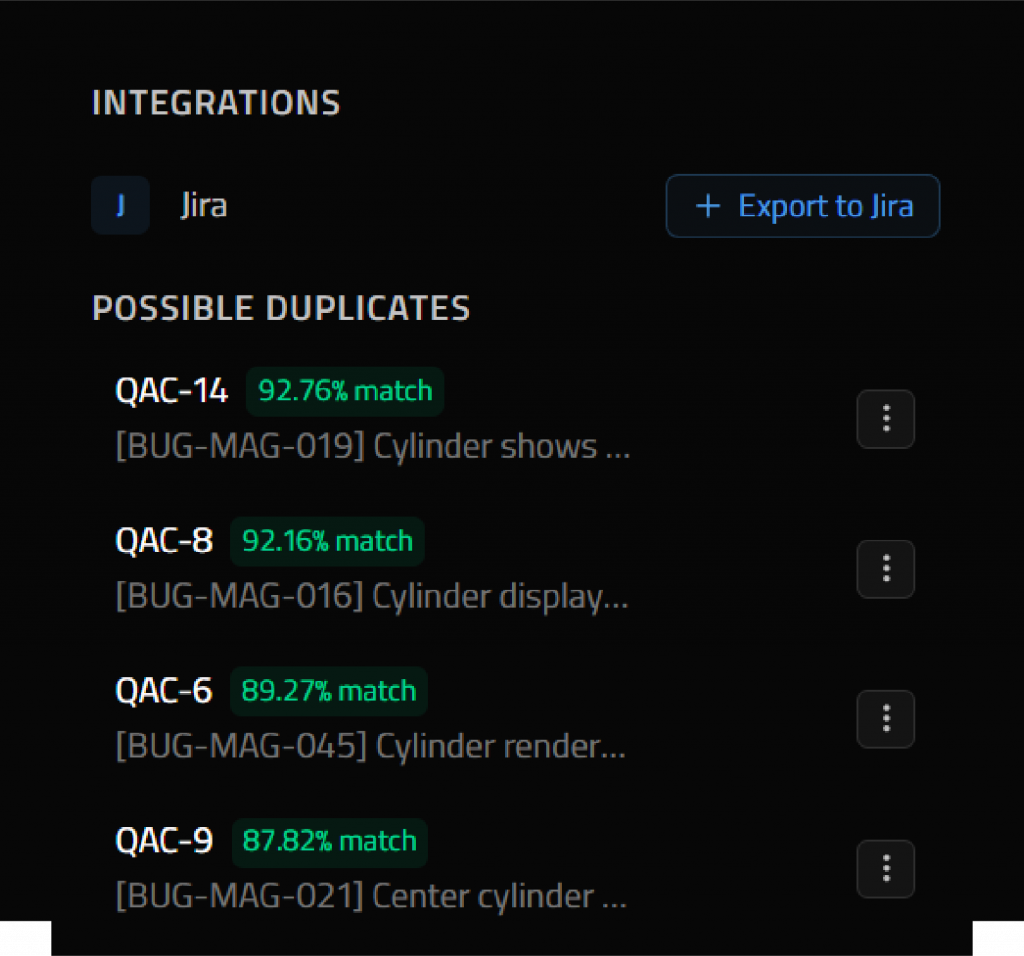
Triage bugs in QA Companion-AI and link them to existing Jira tickets to prevent ticket duplication, or create new issues with one click.
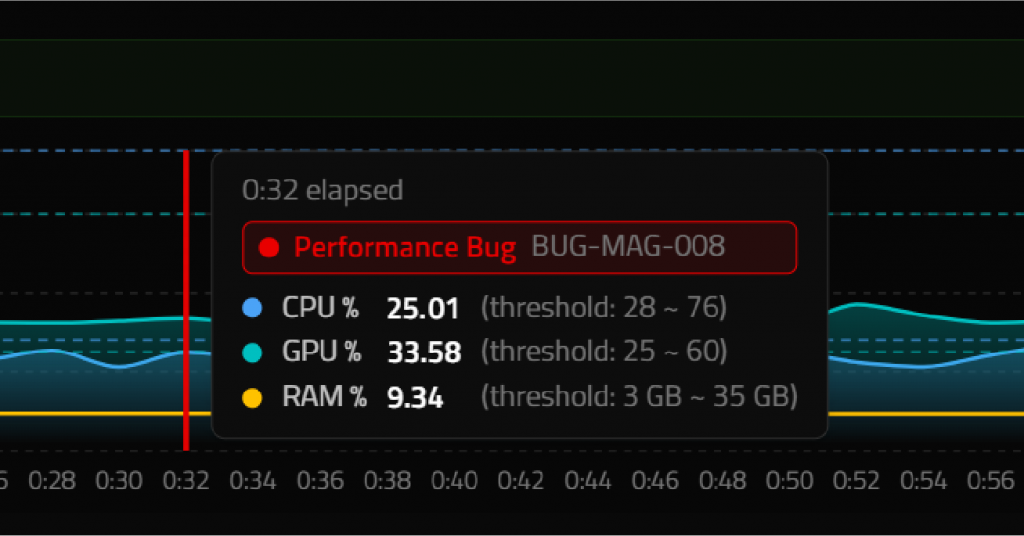
Performance Bug BUG-MAG-001 detected at 0:44 elapsed. CPU % 5.02 (threshold: 25 ~ 45), GPU % 3.19 (threshold: 23 ~ 38), RAM % 6.26 (threshold: 2 GB ~ 6 GB).
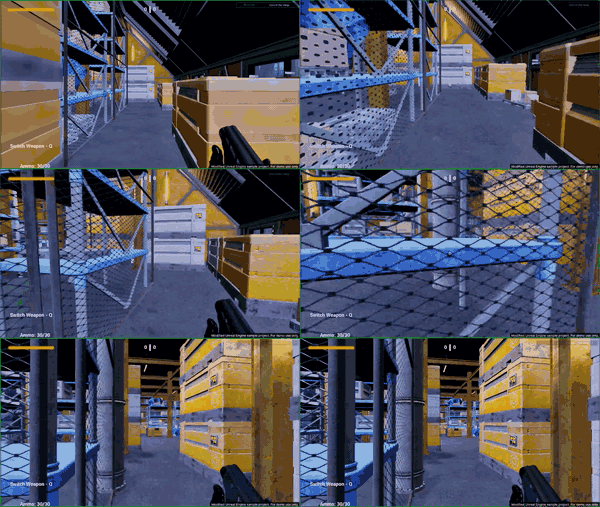
Capture gameplay with a hotkey, and QA Companion-AI analyzes recordings to automatically generate actionable bug reports.
The weapon’s ammo counter continues decreasing after reaching zero. The displayed ammunition drops from 8/40 to 0/40, then continues into negative values such as -3/40, -7/40, and -13/40 while the player is still able to fire.
The weapon continues firing after the ammo counter reaches zero. The displayed ammo value continues decreasing into negative numbers.
The ammo counter should stop at 0/40. The weapon should no longer fire and should prompt the player to reload or switch weapons.
Performance and visual bugs are auto-generated as draft reports, ready for quick review and approval.
Ammo count incorrect after shooting
Performance threshold violation
Enemy body launched too high into the air after defeat
No confirmed bugs yet
Triage bugs in QA Companion-AI and link them to existing Jira tickets to prevent ticket duplication, or create new issues with one click.
Editing is locked. This bug has been exported to Jira as QAC-14
Generate functional, boundary, and negative test cases in minutes from prompts or uploaded Game Design Documents (GDD).
We’re currently working with selected game partners and studios to help shape the future of Game QA with AI. If you’re interested in learning more about QA Companion-AI and exploring whether it could be a good fit for your team, leave your details here and our team will be in touch.
QA Companion-AI uses AI to analyze gameplay footage for visible bugs and automatically generate structured bug reports with descriptions and reproduction steps without manual logging.
It detects visual, animation, physics, collision, and rendering issues, along with performance‑related problems such as FPS drops and hardware spikes.
Start your test run, capture bugs, and send them directly to Jira to continue using your existing workflow. QA Companion-AI also accelerates testing with AI test case generation and vision-based bug detection, automatically creating test cases and generating bug reports in the background as QA testers play.
Smarter AI test-case generations, AI Agents to test for you, richer dashboards and more integrations.
No. It automates repetitive tasks like capturing issues and drafting reports, while testers continue to drive analysis and decision‑making.
For pricing details, please contact us to discuss a plan that fits your game QA needs, or request for a private offer on AWS Marketplace.
Receive official updates on Razer's AI gaming initiatives and related corporate developments.

